Give AI Direct Access to Your Data with MCPs
MCP (Model Context Protocol) is what happens when AI stops working from chat windows and starts working from live data. Connect Claude to your database, GitHub repo, or file system — and ask questions about real, current state rather than pasted snapshots.
 Cursor
 Claude Codedevelopers
Try this starter prompt
Copy and paste this into ChatGPT or Claude with your details filled in. It's a simplified version — the full prompt chain is in the app.
Help me set up my first MCP integration.

What I want AI to access: [e.g. "my PostgreSQL database" / "my GitHub repos" / "my local file system"]
AI tool I use: [Cursor / Claude Code / Claude Desktop]
What I want to do with it: [e.g. "query the DB to debug data issues without manually writing SQL"]

Give me:
1. The correct MCP server to use for my data source (name + where to find it)
2. The basic config block to add to my settings
3. A first test query to confirm the connection is working
4. The security consideration I should check before connecting production data

→ Get the full MCP setup guide for 5 data sources in AI School
How it works
- 1
Choose the data source you want AI to access directly
- 2
Install the appropriate MCP server and add the config to Cursor or Claude
- 3
Test with a simple read-only query before giving write access
- 4
Document which MCP integrations are active in your CLAUDE.md or project notes
What you'll build in the app
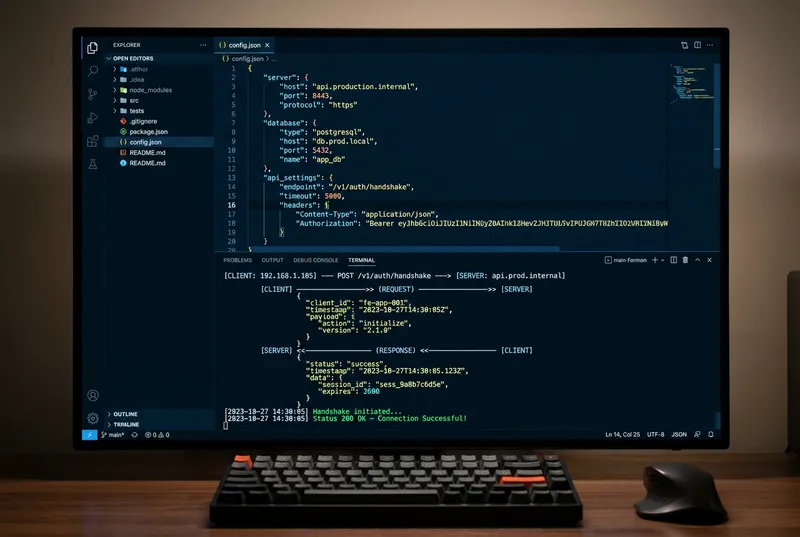
Get the full MCP setup guide — 5 data source integrations, security checklist, and use case examples — inside AI School.
Want the full course?
Give AI Direct Access to Your Data with MCPs
Get the full MCP setup guide — 5 data source integrations, security checklist, and use case examples — inside AI School.
Download on the App Store


 Zapier
 ChatGPT