Build and Ship Apps 10x Faster with Cursor
Cursor isn't just autocomplete — it understands your entire codebase, can refactor across multiple files, write tests, and explain complex code in plain English. Developers who use it consistently describe it as the biggest productivity shift in their career.
 Cursordevelopersfounders
Try this starter prompt
Copy and paste this into ChatGPT or Claude with your details filled in. It's a simplified version — the full prompt chain is in the app.
You are a senior developer helping me use Cursor more effectively.

Feature I'm building: [DESCRIBE THE FEATURE — e.g. "a user authentication flow with email + Google OAuth"]
Codebase: [TECH STACK — e.g. "React + TypeScript + Supabase"]
Where I'm stuck: [SPECIFIC PROBLEM — e.g. "the redirect after OAuth isn't working correctly"]

Give me:
1. The exact Cursor chat prompt to diagnose the issue (using @codebase context)
2. The most likely cause and a one-line fix to try first
3. How to ask Cursor to write a test for this specific behavior after I fix it

→ Get the full Cursor workflow — feature building, debugging, and code review — in AI School
How it works
- 1
Open the Cursor chat with @codebase enabled for full context awareness
- 2
Describe the feature or bug in plain English — no jargon required
- 3
Accept the suggestion, then ask "What could go wrong with this approach?"
- 4
Write tests using Cursor before shipping to catch regressions
What you'll build in the app
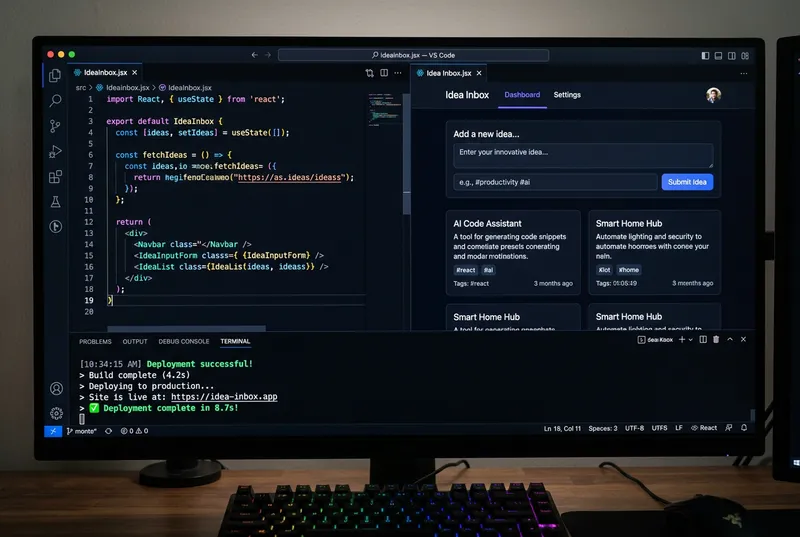
Get the full Cursor workflow — feature building, debugging, refactoring, and test writing — inside AI School.
Want the full course?
Build and Ship Apps 10x Faster with Cursor
Get the full Cursor workflow — feature building, debugging, refactoring, and test writing — inside AI School.
Download on the App Store
 Claude Code
 Figma
Figma v0
v0
 ChatGPT