Set Permanent AI Rules and Get Consistent Results Every Time
Repeating the same instructions in every chat is one of the biggest time wasters in AI usage. Custom instructions and system prompts let you define your preferences once, and every conversation follows them — without you typing the same thing again.
 ChatGPT
 Claudefoundersmarketersfreelancers
Try this starter prompt
Copy and paste this into ChatGPT or Claude with your details filled in. It's a simplified version — the full prompt chain is in the app.
Help me write custom instructions for ChatGPT that make every conversation consistent.

My role: [JOB TITLE or "I'm a founder / freelance marketer / etc."]
Primary use: [WHAT I USE AI FOR MOST — e.g. "writing client emails and proposals"]
Tone I want: [e.g. "professional but direct, no filler phrases"]
Things AI should never do: [e.g. "don't use em-dashes, don't start sentences with 'Certainly'"]
Always include: [e.g. "offer to refine after I respond"]

Write my custom instructions (under 500 words) for the "What would you like ChatGPT to know about you?" and "How would you like ChatGPT to respond?" fields.

→ Get the full custom instructions library for 6 roles in AI School
How it works
- 1
Define your role, primary use cases, and communication preferences
- 2
Write your custom instructions using the prompt above
- 3
Paste them into ChatGPT's Settings → Personalization → Custom Instructions
- 4
Test across 10 different prompts and refine the rules that don't hold
What you'll build in the app
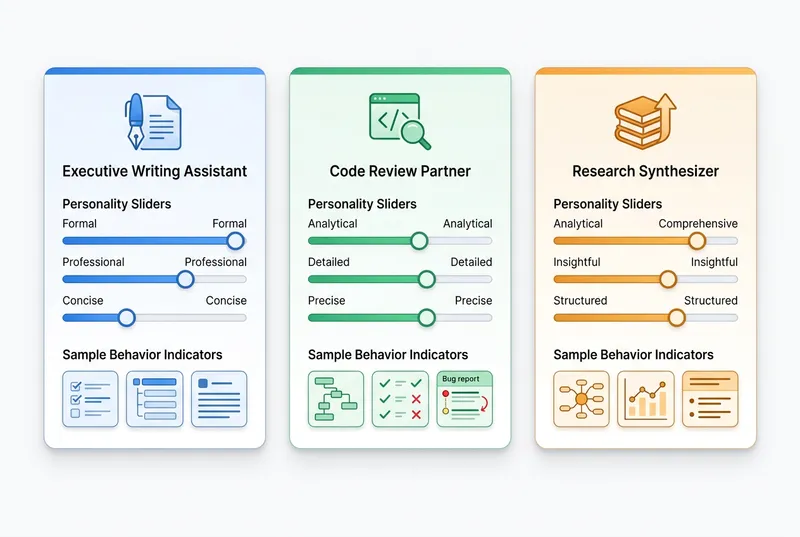
Get the full custom instructions playbook — role-specific templates for 6 job functions — inside AI School.
Want the full course?
Set Permanent AI Rules and Get Consistent Results Every Time
Get the full custom instructions playbook — role-specific templates for 6 job functions — inside AI School.
Download on the App Store