Debug and Fix AI Prompts That Keep Failing
When an AI output misses the mark, most people just ask again differently — and get another miss. The better approach is to diagnose why the prompt failed and fix the specific element causing the problem. Most prompt failures have 3-4 root causes you can fix in under a minute.
 ChatGPT
 Claudefoundersmarketersdevelopersfreelancers
Try this starter prompt
Copy and paste this into ChatGPT or Claude with your details filled in. It's a simplified version — the full prompt chain is in the app.
You are a prompt engineering expert helping me debug a failing prompt.

My prompt: [PASTE THE PROMPT THAT ISN'T WORKING]
What I got: [DESCRIBE THE BAD OUTPUT — what was wrong with it?]
What I wanted: [DESCRIBE THE IDEAL OUTPUT]

Diagnose the problem:
1. The most likely root cause of the failure (context missing / format unclear / task too vague / constraint needed)
2. The one specific fix that would most improve the output
3. A rewritten version of my prompt with the fix applied
4. A check: what would still go wrong with the rewritten version?

→ Get the full 5-failure-type debugging framework in AI School
How it works
- 1
Describe both the failing output and the ideal output side-by-side
- 2
Identify which element is wrong: task, context, format, or constraints
- 3
Make one specific change and test — don't rewrite the whole prompt at once
- 4
Build a "failure log" of common bad outputs to use as a quick-fix reference
What you'll build in the app
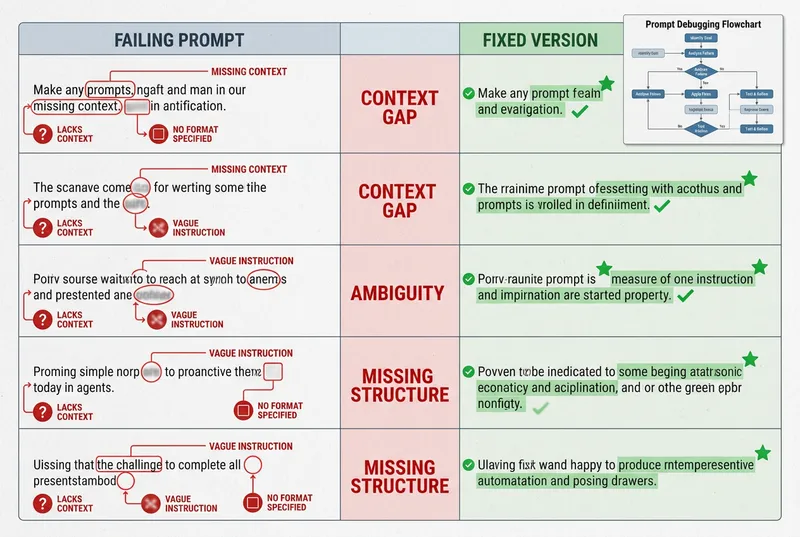
Get the full debugging framework — 5 failure types, 15 fixes, and a prompt revision checklist — inside AI School.
Want the full course?
Debug and Fix AI Prompts That Keep Failing
Get the full debugging framework — 5 failure types, 15 fixes, and a prompt revision checklist — inside AI School.
Download on the App Store